
Checking for a Warrant in North Charleston
The North Charleston Municipal Court runs an eCourt public portal covering traffic, criminal, parking, and case searches, along with ticket and warrant routes. Match the search to the paper in your hand. Many screens want more than a name, so a warrant lookup can come up empty when identifying fields are missing. If the portal hints at a bench warrant, call the trial court during business hours and ask whether you must appear. Have the citation, courtesy summons, or warrant number ready when you call. A payment screen is not a court order.
- Choose traffic, criminal, or parking based on your notice.
- Enter the required case or ticket number and identifying fields.
- Check the portal’s posting notice before interpreting a blank result.
- Call the court about any bench-warrant or appearance issue.
- Save proof of payment and ask when the case updates.
North Charleston eCourt Field Map
Traffic and criminal records sit in separate places on the portal. A traffic lookup needs the ticket number, driver-license number, and date of birth. Criminal searches ask for the courtesy-summons, ticket, or warrant number plus license and birth-date details. Parking runs on the ticket number and plate information. That is why a North Charleston search with only a name can fail. Enter your own details on the official vendor screen only. Skip tip forms and third-party sites.
| Search Type | Fields Identified | Use |
|---|---|---|
| Traffic | Ticket, driver license, DOB | City traffic citation |
| Criminal | Courtesy summons, ticket, or warrant number; license and DOB | City criminal case |
| Parking | Ticket number, plate, state | Parking citation |
The official eCourt instructions explain city search fields and portal notices.
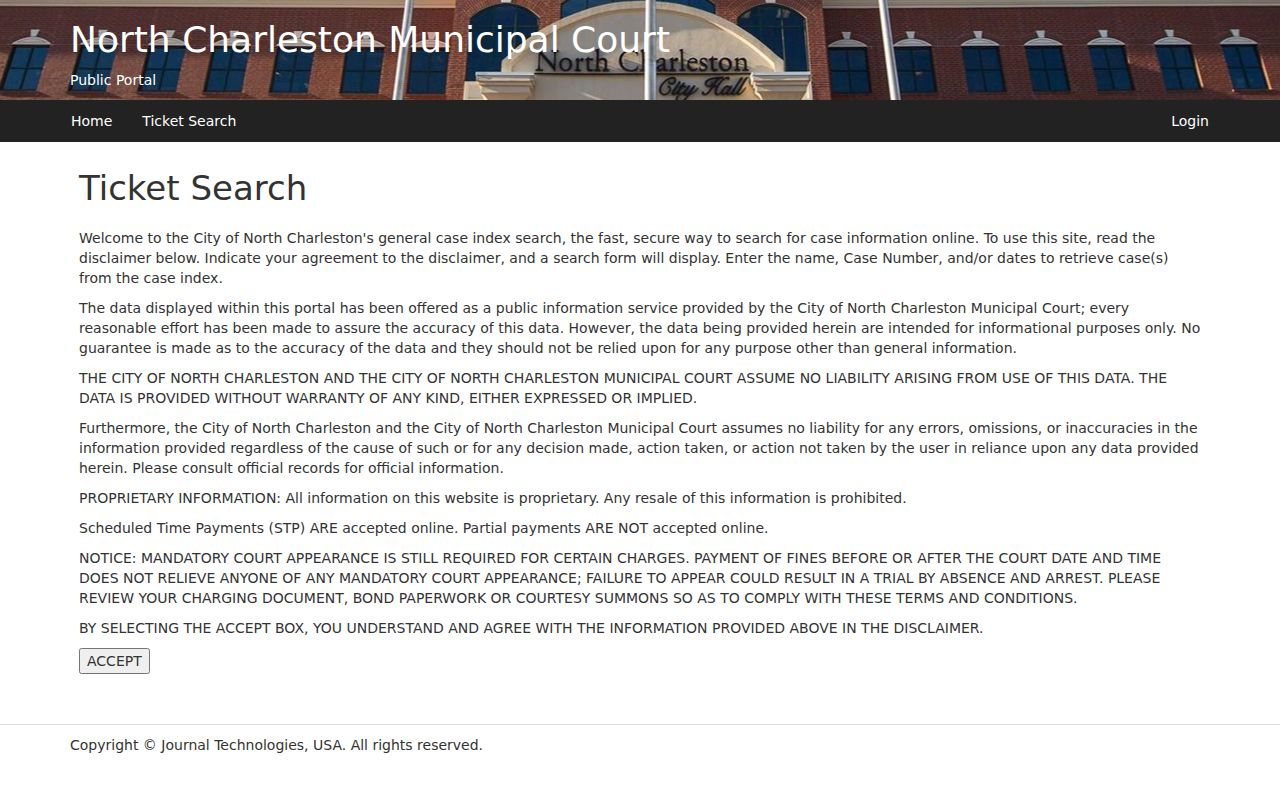
North Charleston Police and Municipal Court
The South Carolina Judicial Branch places North Charleston Municipal Court at 2500 City Hall Lane, reachable at (843) 740-2601. The portal help page words the City Hall address a bit differently, so confirm the current building label with the court before a trip. North Charleston Police policy lays out how officers submit arrest and bench warrants and how department records track them. The court issues its order, police keep the operational entries, and court staff control the municipal docket. Any portal page is just one view of that process. For city help, the official portal support page lists North Charleston contact details.
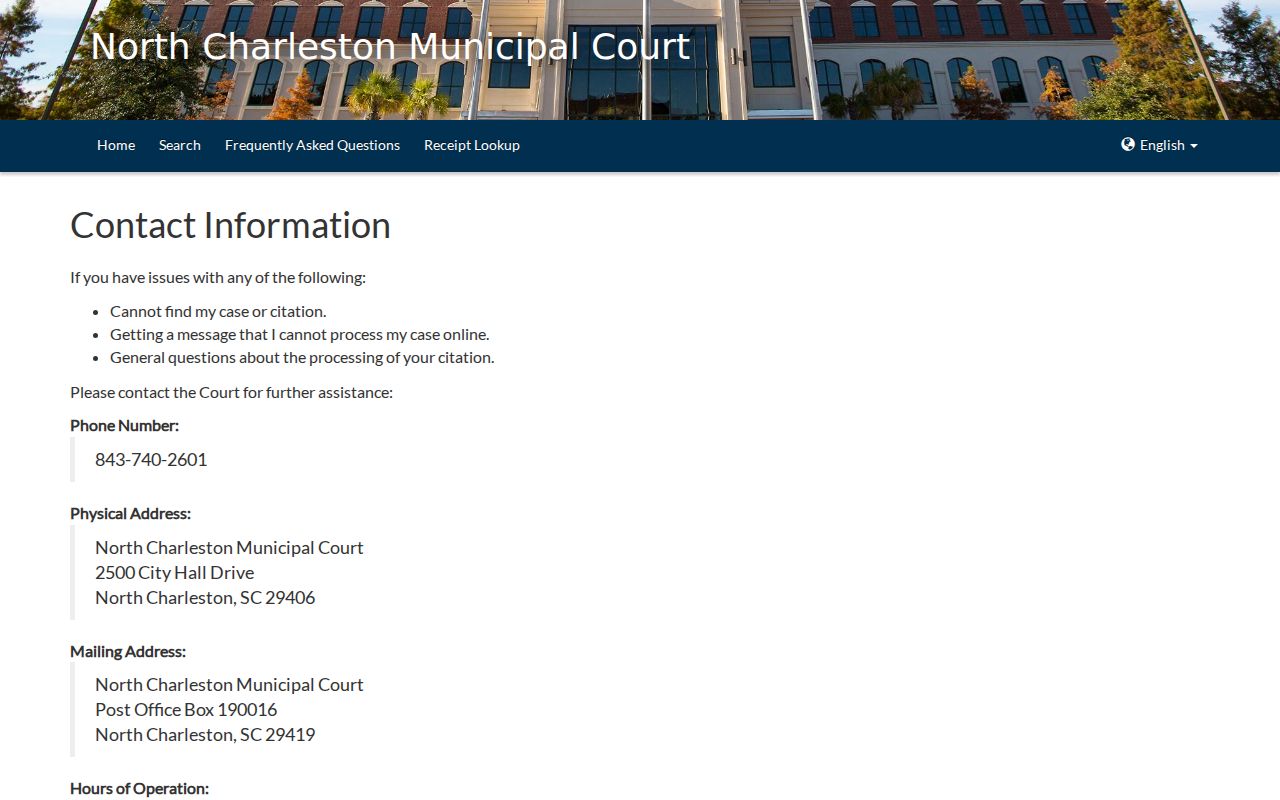
Use the city’s own contact route if the portal does not resolve the question.
North Charleston's Posting Window
Expect a lag. The eCourt portal says records can take up to 72 hours to appear and online payments can take up to 72 hours to post, so a fresh ticket, case event, or payment may not show right away. Keep the confirmation number and call the clerk if a deadline or court date is close. The portal also says partial payments are not accepted for its listed workflow, and it warns that some matters still require an appearance. A charge that goes through does not prove a bench warrant was recalled or that a North Charleston judge dropped a setting.
North Charleston Warrant Types
City process covers traffic, ordinance, misdemeanor arrest, and bench warrants. A bench warrant usually follows a missed court setting, while an arrest warrant starts with a separate probable-cause process. The portal groups North Charleston cases by search type. That grouping does not make the legal process identical.
| Traffic ticket | Check the traffic search and court date. |
|---|---|
| Criminal case | Use the case or warrant identifier and license fields. |
| Bench warrant | Call the trial court during business hours for next steps. |
| Service record | Police policy describes internal logging and removal. |
North Charleston Police Warrant Policy
Department policy walks through the whole life of a warrant: receiving process from magistrate, municipal, and circuit courts, checking the document, entering it in records systems, attempting service, and removing it from an internal file after service or dismissal. It also covers access to warrant records for authorized staff. Those steps are internal controls. North Charleston publishes no public roster from them.
North Charleston Public Portal and Internal Warrant Records
A 24-hour internal warrant file does not mean the public portal updates in real time. Ask the court and police which record each can confirm, and never request another person's private identifiers. North Charleston Police publishes its warrant-status policy for internal context. Bring live case questions to the current policy and court contact.
North Charleston Warrant Types and Bonds
North Charleston Police policy splits General Sessions bench warrants from municipal or magistrate warrants in its bond procedure. Some General Sessions bench-warrant situations carry no bond, while certain lower-court matters may have a preset fine or days. Treat that as a policy description, not a promise for every case or a stand-in for a judge. Call the trial court during business hours before you try to pay or appear. Ask whether the charge requires a judge. Ask which payment or bond method the North Charleston court accepts.
Inside a North Charleston Warrant Record
A city case view may show the ticket or warrant number, name fields, date, court, charge, and balance. A police record can hold service attempts and status changes that never reach the public portal. The search screen does not reproduce the full operational file. Match the case type before reading the fields. A parking plate search, for instance, is not a criminal warrant search. Save the page or receipt for your own case. Confirm any conflict with the clerk.
| Case number | Use the number from the city notice or warrant paper. |
|---|---|
| Search category | Select traffic, criminal, or parking. |
| Payment date | Allow the portal’s stated posting period. |
| Service status | Ask police or the court for confirmation. |
| Appearance | Verify directly with the trial court. |
How North Charleston Warrants Fit the County System
City cases belong to North Charleston Municipal Court and city police. County process belongs to Charleston County Sheriff and the county courts. If a notice names a county magistrate or General Sessions court, follow that separate route. The city portal is not a countywide or statewide warrant search. For the full county routing map and Sheriff contacts, see Charleston County warrant records. For a North Charleston citation, the city stays the first stop.
North Charleston Court and Payment Contact
Need to reach the court in North Charleston about a fine or a bench warrant? The city portal lists a court contact along with online support, and its vendor contact page posts the address, phone, and hours. One label reads differently than the state court directory, which shows City Hall Lane. So verify the current location before you go, above all for a bond or warrant appearance. Payment questions go to the court or portal support, never the police emergency line. Ask if your payment posted, whether a partial amount counts, and if the court still wants you to appear.
North Charleston Warrant Records and Public Access
Court records serve you best when you pull your own case and follow the portal's privacy instructions. North Charleston police operating policies note some record fields stay out of public release, and juvenile or sealed files carry extra limits. Request a public record by ticket or case number through the court's current process. A clerk there explains filing steps but cannot pick your motion or defense. One caution: a name search that comes back empty proves nothing about whether a warrant exists.
North Charleston access note: public portal fields are not the same as internal police warrant files, and payment posting can lag.